Short-form
How to Edit YouTube Shorts and TikToks for Retention
A practical editing guide to short-form retention: hook in the first second, cut the dead air, caption for sound-off viewing and build a loop that rewatches.
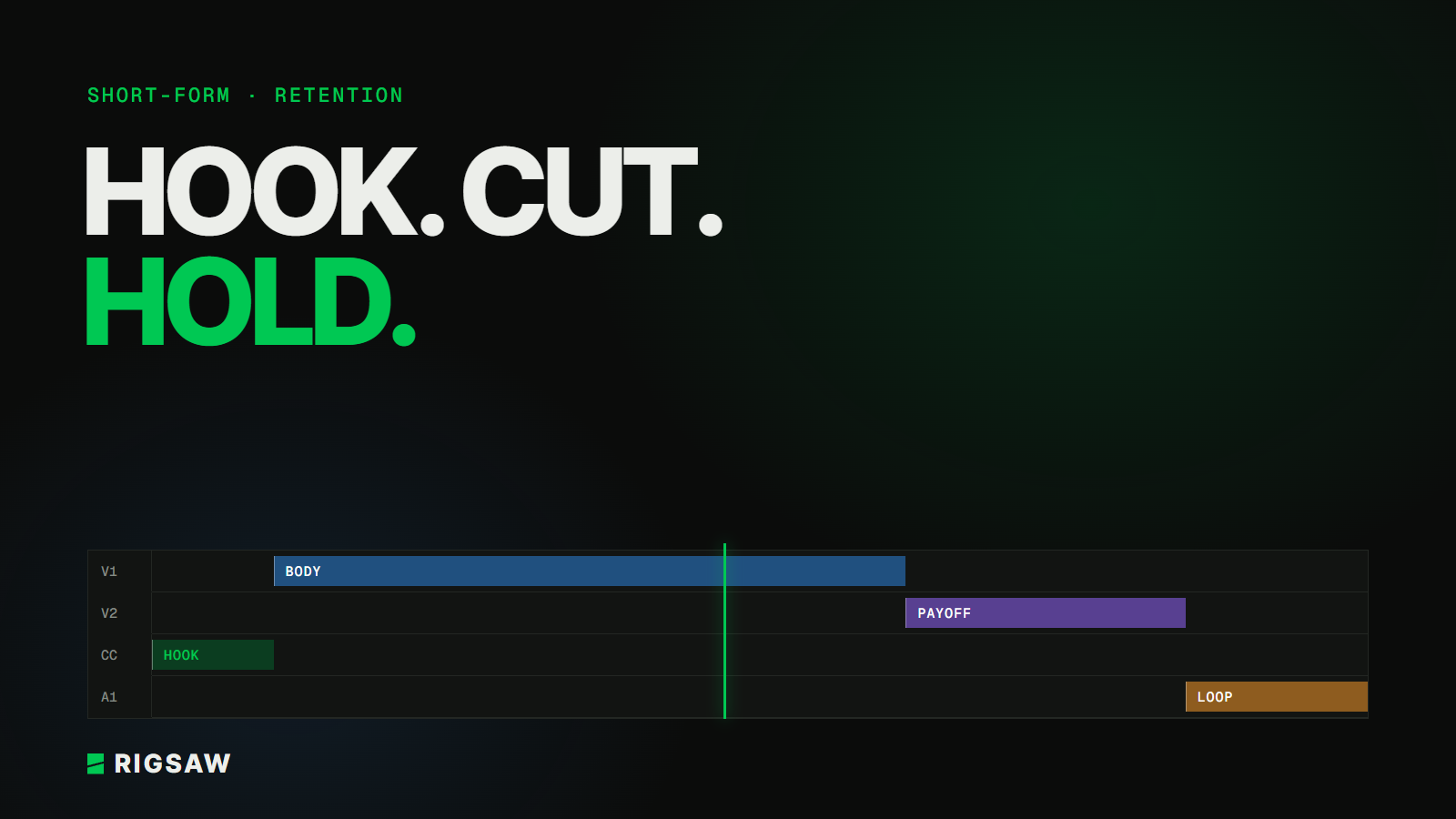
Key takeaways
- The first second decides most of your views, so open on the most interesting frame, not the setup
- Cut every pause and filler word, then cut again
- Caption everything, because most people first see your video with the sound off
- End on something that makes a rewatch feel natural
Retention is the number that decides whether a short gets pushed or buried. TikTok, YouTube Shorts and Reels all watch how long people stay and whether they watch again. The edit is the biggest lever you control.
Here's how we approach it, in the order it matters.
Win the first second
Most people decide whether to keep watching almost instantly. If your video opens on you saying "so", a slow pan, or context nobody asked for, they're gone.
Open on the most interesting frame in the whole clip. That might be the result, the reaction, the mistake, or the punchline's setup. Then explain how you got there.
A simple test: mute the video and watch only the first second. If it doesn't make you curious, change the opening.
Cut the dead air, then cut again
Short-form has no room for breathing space. Remove:
- Pauses between sentences
- Filler words and restarts
- Repeated points, even if you said them better the second time
- Anything that sets up a moment without being the moment
After the first pass, watch it again at normal speed and cut another 10–20%. It nearly always gets better.
Caption for sound-off viewing
A lot of people scroll with the sound off, at least at first. Captions keep them watching long enough to turn it on.
- Keep caption lines short, two to four words at a time
- Place them inside each app's safe zone so buttons and descriptions don't cover them
- Highlight the key word, rather than every word, so the eye has somewhere to land
Keep something moving
Static frames lose people. Every few seconds, something should change: a cut, a zoom, a piece of on-screen text, a sound effect. It doesn't have to be loud. It has to signal that the video is still going somewhere.
The trap is overdoing it. Effects that don't serve the story are noise. Each one should either clarify what's happening or raise the stakes.
Build a payoff, then a loop
Retention isn't only about getting to the end. Rewatches count too.
Make sure the payoff actually lands, then end cleanly, without a long outro or "follow for more". Where it fits, make the last frame lead naturally back into the first, so a rewatch feels seamless.
Learn from the retention graph
YouTube Studio shows a retention curve for Shorts. TikTok shows average watch time and the share of people who watched in full. Use them:
- A sharp drop at the start means the hook isn't working
- A dip in the middle usually means a slow section or a confusing cut
- Strong retention but few views often points to the topic or the first frame, not the edit
Change one thing at a time across a batch of videos, so you can see what actually made the difference.
FAQ
How long should a YouTube Short or TikTok be?
As long as the idea needs and no longer. Shorter videos are easier to finish and rewatch, but a strong 45-second story will beat a padded 15 seconds.
Should I post the same edit on TikTok, Shorts and Reels?
You can, but adjust for each platform's safe zones and remove any watermark from another app. Small tweaks to the hook or caption for each audience are worth testing.
Can long-form videos be cut into shorts?
Yes, and it's one of the most efficient ways to grow. Pick moments that make sense without the rest of the video, and re-edit them for short-form pacing rather than just trimming them out.
Rigsaw edits short-form for creators across TikTok, YouTube Shorts and Reels. See our short-form editing service or get in touch.