Gaming
How to Turn Twitch Streams Into YouTube Videos and Shorts
A practical workflow for turning Twitch stream VODs into YouTube highlight videos and Shorts: what to clip, how to structure it and how to keep it sustainable.
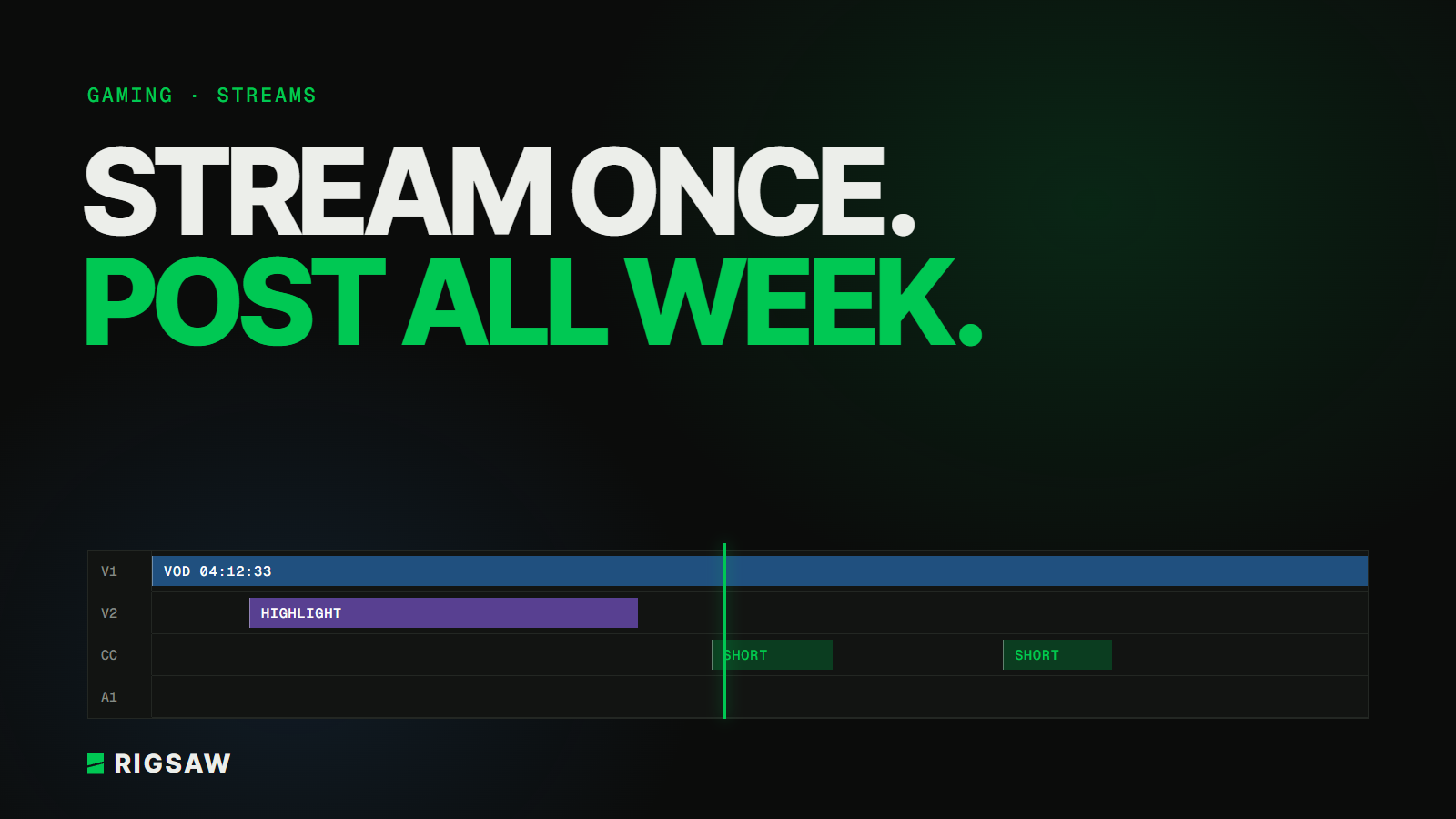
Key takeaways
- Your streams already contain weeks of content, so the job is finding and shaping it
- Highlight videos need a story and a structure, not just a list of clips
- Shorts from streams work best when each one makes sense with no context
If you stream, you're already filming hours of content a week. Most of it never reaches anyone who wasn't watching live. Turning streams into YouTube videos and Shorts is one of the most efficient ways for a streamer to grow, because the footage already exists.
Here's a workflow that works.
Mark moments while you're live
Finding moments in a four-hour VOD is the slowest part. Make it easier:
- Use Twitch's stream markers, or ask a mod to drop them, whenever something good happens
- Keep a quick note of the time and what happened
- Clip the obvious moments the same day while you remember them
Ten seconds of marking during the stream saves an hour of scrubbing later.
Decide what each VOD becomes
Not every stream needs the same treatment. For each one, decide:
- A highlight video for YouTube, if there's a run of strong moments or a story arc
- Shorts, for standalone moments: a clutch, a fail, a great reaction or line
- Nothing, and that's fine. Some streams are for the live community only
Give highlight videos a structure
The most common mistake is uploading a pile of clips with no shape. Viewers who weren't there need a reason to keep watching.
- Open with the best moment, or a tease of it, not the start of the stream
- Build a thread through the video, like a challenge, a run, or a running joke
- Cut the waiting. Loading screens, queue times and chat reading usually go
- Add context sparingly, with on-screen text where a viewer would be lost
Think of it as a YouTube video made from stream footage, not a shorter stream.
Cut Shorts that stand alone
A Short from a stream gets shown to people who've never heard of you. It has to work with zero context.
- Start right before the moment, not a minute earlier
- Reframe for vertical, keeping your face cam and the key part of the game visible
- Caption what's being said, since many people watch muted
- End on the reaction or punchline
Keep it sustainable
The schedule you can keep beats the one that burns you out. A realistic rhythm for many streamers is one highlight video a week and a few Shorts from each stream. Track which types of moments perform, and lean into them.
This is also the point where many streamers bring in an editor. Clipping and editing VODs is time-consuming, and handing it off keeps you streaming.
FAQ
Is it OK to upload Twitch stream content to YouTube?
Generally yes, it's your content. Be careful with copyrighted music played on stream, which can cause claims on YouTube, and check any game publisher's content guidelines.
Should I upload full VODs to YouTube?
Full VODs can work on a separate channel for your community, but edited highlight videos usually reach far more new viewers.
How many Shorts can I get from one stream?
It depends on the stream. Focus on quality: three Shorts that each stand alone will do better than ten that need context.
Gaming is Rigsaw's speciality. We cut stream VODs into YouTube videos and Shorts for creators. See our gaming video editing service or get in touch.